
Lukki app: browse games and providers in your phone browser
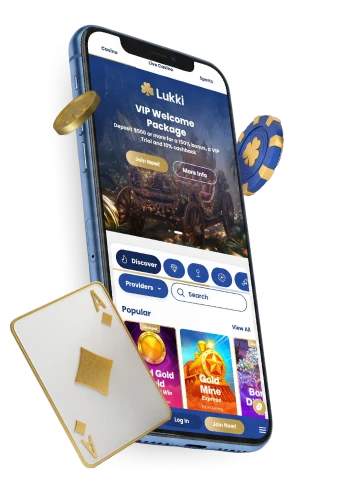
Visitors looking for a Lukki app can open the website in a phone browser to reach mobile-friendly games. Browse Slots, Live, Instant Win and Table Games, then use the provider filter to narrow the catalogue. This browser route does not require an app download.
Mobile casino games and provider filters
The mobile casino catalogue offers several ways to find games: start with a category, look through a collection or narrow the provider choices. The catalogue is available in a phone browser, but this does not guarantee every title will be available on every account.
| What to explore | What you’ll find |
|---|---|
| Game categories | Slots, Live, Instant Win and Table Games |
| Provider choices | A provider search and filter, with names including Evolution, Pragmatic Play, Hacksaw Gaming and Netent |
| Collections | Megaways, Game Shows and Bonus buy |
| Catalogue examples | Gates of Olympus Super Scatter, Wanted Dead or a Wild and Crazy Time |
The categories give you a starting point if you know the kind of game you want to browse. The provider filter is useful when you would rather narrow the catalogue by studio than move through every category. Collections offer another way to explore titles grouped under a particular label.
The online casino catalogue at Lukki includes named games and providers as examples, not guaranteed choices for every account. A particular game may be unavailable because of a provider arrangement or an active bonus. If a title does not appear, availability may depend on those conditions rather than on whether the site was opened on a phone.
App downloads and browser access
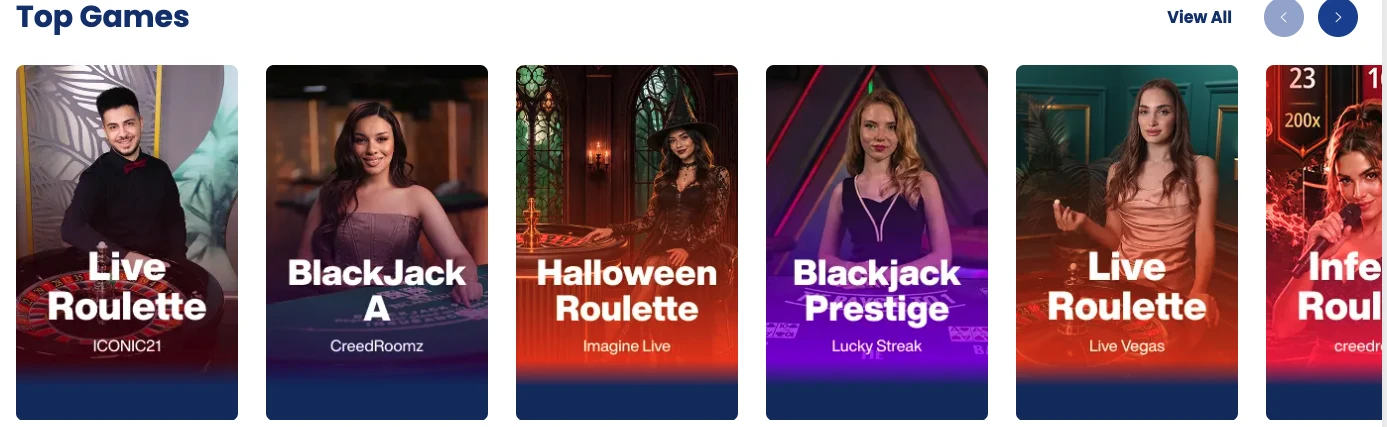
Open the website in your phone browser to browse mobile game categories; no separate app download is required.
The supported route is the mobile website, not a native app.
Account recovery and controls on mobile
Account entry has separate activation and recovery procedures. Where account creation is available, Join Now uses an email activation link to confirm the address. The terms allow one account per person and prohibit shared access, so account details and recovery requests should stay with the account holder.
- Activating an account: The Join Now registration process sends an activation link by email. The account details you provide must be accurate.
- Resetting a password: Look for Forgot Password under Log In. This is the self-service route if you cannot remember your password.
- Getting recovery help: If the reset fails or email access is unavailable, contact support by live chat or email. Identity confirmation is required before an assisted reset.
Support is available 24/7 for account questions. Deposit limits, play limits or self-exclusion can be requested through support. Available controls can depend on the account; they are not limited to a mobile-only screen.
For privacy details, see the privacy policy. For broader game and account information, see Lukki casino canada.
FAQ
Do I need to download an app to use Lukki on my phone?
No. Open the website in a phone browser for the mobile-friendly game route. No app installation is required.
Why might a game not appear on mobile?
A particular title may be unavailable because of a provider arrangement or an active bonus. Its place in the catalogue does not guarantee availability on every account.
How can I request deposit or play limits?
Contact support to request deposit or play limits. Support can also explain self-exclusion; available controls depend on the account.